






















Retail personalization helps retailers turn visits into orders by changing what each shopper sees, and which message they get next, based on what they are doing at that moment. Take a shopper who looks at a winter coat in a retailer’s app, buys it on the website two days later, and the next morning gets an email advertising the same coat. With real-time personalization, the website would have opened on the coat she looked at in the app, and the next email would have offered a care guide and a matching scarf. Every channel acts on what the shopper is doing in real time, and the result shows up in conversion, order value and repeat orders before, during and after the purchase. If you already have a ticket for Tech for Retail in Paris on November 30 and December 1, 2026, come visit CoreMedia at Booth X47 in Hall 7.2 to see these journeys live. Don’t have a ticket yet? Apply for a free badge here and stop by!
TL;DR – Key Takeaways
- Retail personalization works in real time, changing what a shopper sees based on their behavior, using first-party signals such as the campaign they came from, the products they view and what sits in their shopping cart.
- Before the purchase, retailers convert visits by adapting landing pages, navigation and product pages, and by making content shoppable with live price and stock.
- During the purchase, reading shopper intent lets retailers match the level of personalization to the shopper's value. Most shoppers get automated help, such as delivery details or a chatbot that answers product questions, while big-ticket purchases can get live chat or video shopping. If the shopper leaves, an abandoned cart reminder follows by push notification, email or SMS.
- After the purchase, customer journey management continues the conversation on the channel the customer uses, with delivery updates, care tips and post-purchase follow-ups, all built on one customer profile.
- CoreMedia’s DXP brings content management, customer data, journey orchestration, live engagement and A/B testing into one place, so every step of the journey can be personalized without switching tools.
What real-time personalization and omnichannel personalization mean for retailers
A customer’s journey rarely starts and ends in one place. Real-time personalization acts immediately. Omnichannel personalization makes sure the website, the app and the email inbox use the same message.
What is retail personalization?
Retail personalization is the practice of adapting what a buyer sees during the visit, based on their behavior at that moment, such as the products they view, the campaign they came from or what sits in their shopping cart. Segments that refresh overnight only change the next visit, and many shoppers never come back for one. Real-time personalization lets an online store respond while the shopper can still act, for example by showing delivery details on a product viewed three times.
What is omnichannel personalization?
Omnichannel personalization allows you to deliver the right message, at the right moment, on every channel a shopper uses, because the online store, app, email, SMS, push notifications and social messaging all draw on the same customer profile. It highlights the products that fit each shopper and adapts the story to what they have shown interest in. A purchase made on the website changes what the shopper sees in the app and in the inbox the same day, and this is the part of unified commerce that shoppers notice.
Before the purchase: personalizing the online store and product pages
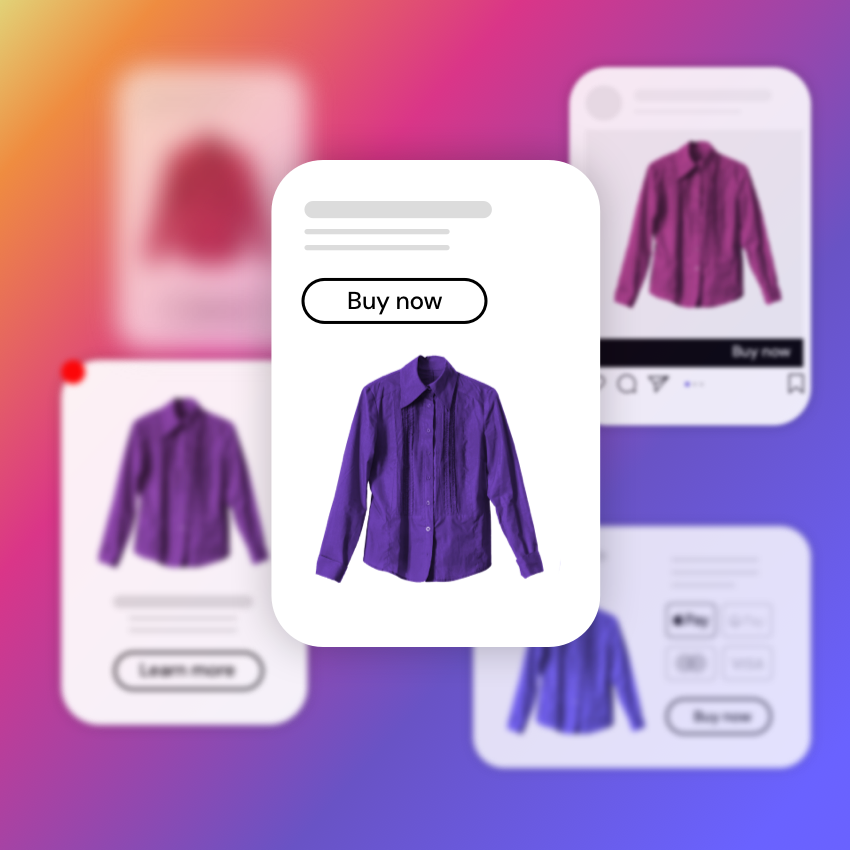
Before the purchase, retailers turn visits into orders by personalizing the first page a shopper sees and making the content they browse shoppable.
How to personalize landing pages and navigation from the first click?
A retailer can personalize the online store from the first click, because the campaign link, the shopper's region and whether they have visited before are already known when the page loads. For example:
- A shopper arriving from a winter sale email lands on a page led by the discounted outerwear they clicked.
- A first-time visitor from a social ad sees the brand's bestsellers and delivery promise.
- A returning customer goes straight to new arrivals in the categories they usually buy.
Imagine the weeks around Black Friday. When Digital Commerce 360 and Bizrate Insights surveyed 1,018 online shoppers in July 2026, 81.8% said price and discounts would influence their holiday purchases. That's why showing each segment the offer that fits it is often where ecommerce personalization starts.
A growing share of shoppers also arrive from an AI assistant that shortlisted a few options, a shift covered in the AI-mediated customer journey. For these visitors, the landing page should confirm the product they asked about so they don't have to search again.
In CoreMedia, editors build these variations in CoreMedia Studio by assigning audience segments to the content on a page. The same landing page can then show different banners, teasers and product lists to each audience. Mayoral, the children's fashion brand selling in more than 100 countries, uses this to adapt content to sudden weather changes and regional trends, and to launch flash campaigns within hours.
Personalized product pages and shoppable content
Product pages and inspirational content sell when a shopper can buy straight from them, with live price and stock shown inside the image, video or story that caught their attention. The most common shoppable formats in retail are:
- Shoppable images: hotspots link parts of a photo to the products shown.
- Shoppable videos: products become clickable at the moment they appear on screen.
- Inspirational content on the product page: a styling guide or how-to available right next to the buy button.
What is shoppable content? covers these formats in depth. For personalization, the question is which version each segment sees. A customer who bought running shoes last spring can see the trail-running video with the latest running outfits, while a first-time visitor sees the beginner's guide. Personalized product recommendations work the same way inside content. The products follow the segment, and the price and stock come live from the commerce system.
Elkjøp, one of Europe's largest consumer electronics retailers with more than 400 stores, embeds product, stock and price data into rich media. Its videos do two jobs at once: a shopper watching a product video can see the current price and stock, and buy the product with one click that goes straight to checkout.
Retailers on Shopify can manage the same kind of content without switching tools. The Shopify connector for CoreMedia lets editors browse Shopify products and collections in CoreMedia Studio and place them in pages and navigation. It can run alongside Salesforce Commerce Cloud or SAP for retailers that use several commerce systems.
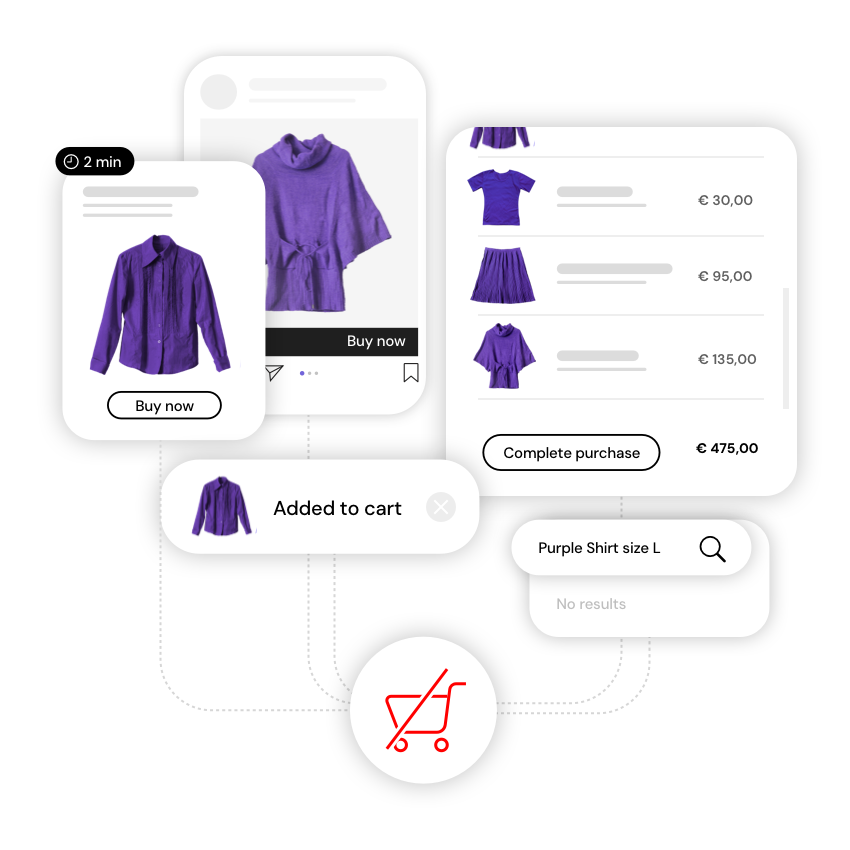
During the purchase: reading shopper intent to reduce cart abandonment
Retailers reduce cart abandonment by reading intent signals while the shopper is still on the site and responding before they leave, instead of waiting for a reminder email the next day.
Baymard Institute puts the average cart abandonment rate at 70.22% across 50 studies, and its research found that 43% of US online shoppers abandoned a cart because they were browsing and not ready to buy. Many of the remaining shoppers leave for reasons a retailer can see coming, such as hesitation over a large basket or a size that isn't in stock.
Which signals show a shopper's intent?
Shopper intent shows up in signals inside the visit. Each one points to a specific response:
| Signal in the visit | What it may mean | Possible response |
|---|---|---|
| Third view of the same product | Close to buying | Show reviews, delivery dates and the return policy on that product |
| Long time on a product page with no add to cart | Interested but missing a piece of information | Surface the details shoppers ask about most: sizing guide, materials, delivery date, reviews |
| Cursor or scrolling back and forth between products | Unsure which product better fits their needs | Show a comparison of products or offer live chat with a sales advisor |
| Size or stock check that fails | Wants the product but can't get it | Suggest the nearest available size or a similar item |
| High basket value with no checkout | Hesitation on a big purchase | Offer live chat or a call with a product expert |
| Search with no results | An unmet need | Show related products or open a chat |
| Arrived from a campaign | Interest in that offer | Keep the campaign products and price visible |
These signals are first-party data, collected from what the shopper does on the retailer's own channels. Zero-party data, which is what shoppers tell a retailer directly through a size profile, a preference form or a survey answer, adds context that behavior alone can't show. Our guide to intent-based marketing explains how both types feed intent. In CoreMedia, they come together in a customer data profile built on first-party cookies only, which helps retailers personalize within GDPR.
Matching the experience to the shopper: push notifications, chat and video shopping
The best response to hesitation depends on the shopper's value. Automation handles most visitors well, and a person on chat, phone or video are cost-worthy when dealing with high-value baskets.
| Features | Response | Channel |
|---|---|---|
| Browsing, no clear intent | Personalized content and product suggestions | Website, app |
| Comparing products | Guided selling through a chatbot that answers product questions | Chatbot |
| Leaves with items in the basket | A reminder showing the exact products | Push notification, email, SMS |
| High-value basket, hesitating | Live help from a product expert | Live chat, click-to-call, video shopping |
The human step is where many retailers lose context. When a shopper starts a video call, the expert needs to know what they looked at and what is in their basket, or the call starts from zero.
In CoreMedia's Customer Engagement Platform, live chat, click-to-call and video shopping run on the same platform as the content and the customer profile. The agent sees the shopper's journey before the conversation starts, and an AI agent can suggest answers along the way. For luxury and other high-consideration categories, video shopping becomes a form of virtual clienteling, with one expert, one shopper, and the history of every visit on screen
When the shopper leaves: abandoned cart recovery
Abandoned cart recovery picks up where the visit ended, sending a reminder with the exact products on the channel the shopper is most likely to open. A push notification suits app users, while email or SMS suit shoppers who browsed on the website.
In CoreMedia, email and SMS campaigns use the same customer profile as the website. An abandoned cart reminder can check whether the shopper came back and bought before it goes out. A US department store using CoreMedia set up automated follow-ups for shoppers who drop out of the buying journey, built on segments it brings into CoreMedia's content management system.
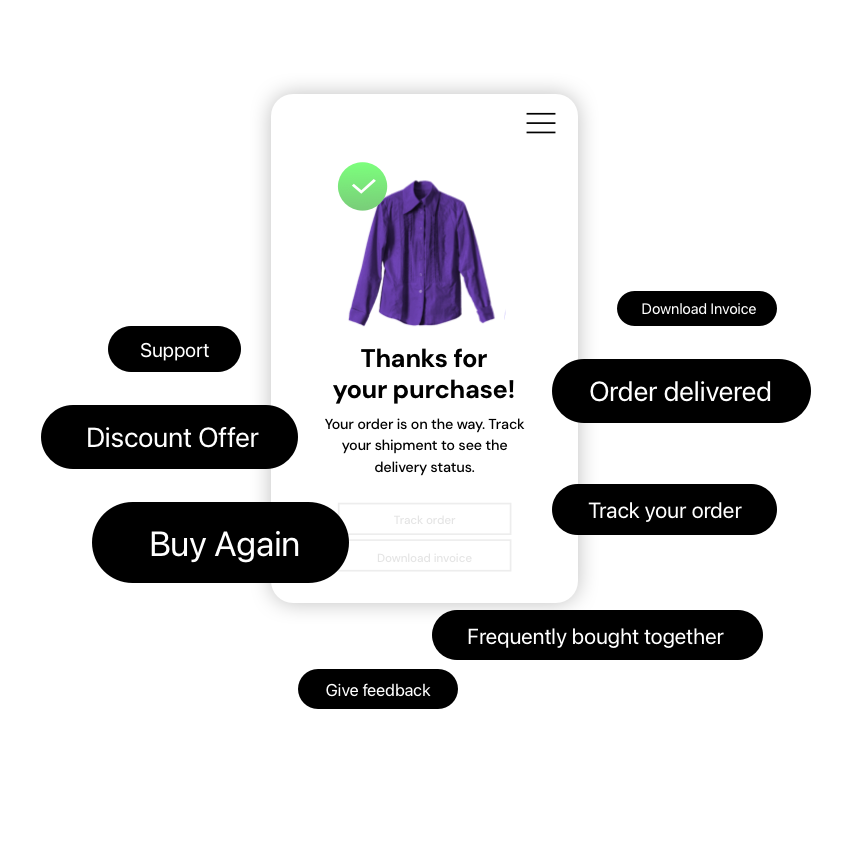
After the purchase: journey orchestration for follow-ups and repeat purchases
Journey orchestration defines the next message automatically: choosing the channel, timing and content based on what they just did, such as a delivery update when the order ships or a care guide after delivery.
CoreMedia's customer journey management builds these journeys on one profile. That profile combines behavioral, transactional and service data and updates as the shopper acts. An AI decisioning layer picks the next step for each shopper, and the same journey can run across the website and app, email, SMS, push notifications and messaging apps.
Our guide to enterprise customer engagement strategy covers how to coordinate these channels across markets. The overview of the best customer engagement platforms for 2026 compares the tools that run them.
Post-purchase follow-ups
Post-purchase journeys work best when they know what the shopper bought. Because the journey reacts to the purchase itself, it stops the wrong messages. The shopper who bought the coat stops receiving coat promotions and starts receiving care tips and matching accessories.
| Channel | What gets personalized | Typical trigger |
|---|---|---|
| Care guides, accessory suggestions, invitation to leave a product review | Order delivered | |
| SMS | Short reminders and delivery updates | Order shipped |
| Push notification | Reminders and offers inside the app | Order status update, new arrivals in a category they bought |
| Messaging apps | Answers to product questions, follow-ups | Shopper message, post-purchase check-in |
| Website and app | Content and products on the next visit | Returning visit after a purchase |
Repeat purchases and customer retention
Personalization drives repeat purchases when the post-purchase experience uses what the shopper bought and what they said about it, so the next visit starts where the last one ended. A short survey after delivery tells the retailer how the order went and adds a data point for the next campaign. A shopper who says a jacket runs small can see size advice on the next visit, and a satisfied customer can get early access to the next collection.
In CoreMedia, CSAT and NPS surveys sit in the same platform as the customer profile, so the answers can shape the segments used on the next visit. Retailers can also build segments around purchase history and give each one its own homepage, email rhythm and offer. Two examples:
- First-time buyers who haven't returned in 60 days.
- Regular customers who buy every season.
How multi-brand, multilingual retailers manage personalization without slowing down
Multi-brand retailers keep personalization manageable when editors set up segments and A/B tests on the same content they publish, instead of handing every variant to a separate team or tool. In CoreMedia’s DXP, personalization and experimentation are native to the CMS. A merchandiser who builds a landing page in CoreMedia Studio can assign it to a segment and start a test in the same place.
CoreMedia KIO, the AI copilot built into the platform, drafts content variants for each segment, and editors brief it, adjust the drafts as it works, and approve every suggestion before it goes live. Two retail examples:
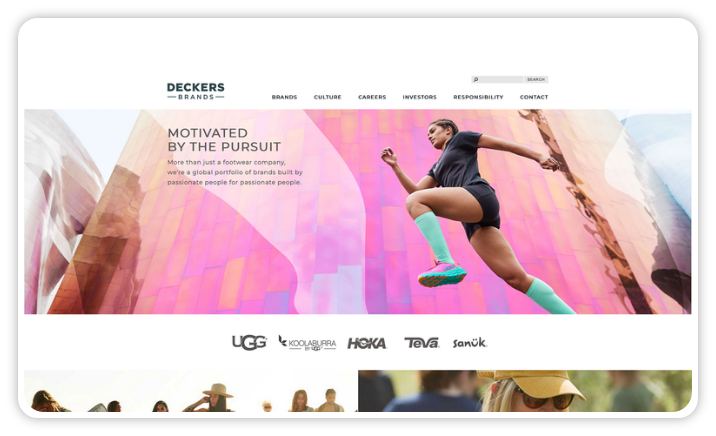
- Deckers Brands launched 12 mobile-first sites for five brands in 60 days on CoreMedia. Business rules for personalization were defined with its teams, so merchandisers can place content and products themselves. Our multisite CMS guide explains how one platform supports many brand sites.
- Oniverse, with 15 brands and more than 5,700 stores, lets local teams publish pre-approved content across more than 35 country markets. It increased localized content output by 20% in one year without expanding its core team.
Multilingual retailers add one more layer, because every segment variant has to work in every language and market. CoreMedia’s translation and localization workflows connect to translation services such as DeepL and GlobalLink, so local teams start from the approved variant instead of writing each one from scratch.
How to measure the results of retail personalization?
Retailers prove the value of real-time personalization by testing each variant against a control group and comparing results by segment:
- Conversion rate per segment, compared with shoppers who saw the default page.
- Average order value, especially for baskets where a person helped through chat or video.
- Cart recovery rate for abandoned cart journeys, by channel.
- Repeat purchase rate and time between orders for returning-buyer segments.
- CSAT and NPS scores after delivery.
CoreMedia's A/B/n and multivariate testing runs these tests on the content itself, so editors see which variant performed best for which segment.
Where to start with retail personalization
Start with one journey that has clear revenue attached, such as abandoned carts, with one or two intent signals and one A/B test. Once the first result is in, widen to other journeys.
When comparing vendors, these questions show quickly whether a platform fits retail:
- Does personalization change the page during the visit, or only on the next one? Hesitation happens inside the session, so the platform has to respond while the shopper is still there.
- Can merchandisers set up segments and tests without developers? Campaign speed matters most during peak season.
- Do the website, app, email, SMS, push and messaging share one customer profile? A shared profile prevents messages that contradict each other.
- Can a shopper be handed to a person, with their journey visible to the agent? High-value baskets often need human help, and the agent needs the full context.
- Does it connect to our commerce systems, such as Shopify, SAP or Salesforce Commerce Cloud? Live price and stock have to appear inside the content.
- Is the customer data first-party and handled in line with GDPR? Trust and regulation shape personalization in European markets.
For a broader comparison of tools, see the best personalization engines for enterprise growth. To understand how retailers such as Mayoral and Deckers run personalization on one platform, request a CoreMedia demo.
Frequently asked questions (FAQs)
How does retail personalization reduce cart abandonment?
Retailers reduce cart abandonment with real-time personalization by responding to hesitation while the shopper is still on the site, then following up on the right channel if they leave. On the site, that can mean showing delivery dates on a product viewed several times, suggesting an available size or offering live chat on a high-value basket. After the visit, an abandoned cart journey sends a reminder by push notification, email or SMS that stops as soon as the shopper buys.
How does personalization in real time increase website conversion rate?
Real-time personalization increases website conversion rate by showing each visitor the version of the page most likely to move them forward. That can be the campaign products a shopper clicked, new arrivals for a returning customer, or delivery details for a product viewed several times. A/B testing each variant against a control group shows how much it adds to the conversion rate for that segment.
When should retailers offer video shopping instead of a chatbot?
Retailers should offer video shopping instead of a chatbot when a shopper with a high-value basket hesitates over a product that benefits from expert advice, such as luxury goods, electronics or furniture. A chatbot handles quick product questions for most shoppers. Video shopping connects one shopper with an expert who sees their journey, which works like virtual clienteling for the online store.
How does unified commerce relate to retail personalization?
Unified commerce connects a retailer's sales channels on shared data, and real-time personalization is the part of unified commerce that shoppers notice. When the website, app and messaging channels share one customer profile, real-time personalization can use a purchase made in one channel to change what the shopper sees in another.
How does personalization build customer loyalty after the purchase?
Personalization builds customer loyalty after the purchase by using what the shopper bought and what they said in feedback to shape the next contact, such as care tips for the product, accessories that match it or early access to a new collection. Post-purchase surveys add zero-party data, so the retailer can adjust size advice, offers and timing for each customer.
How does CoreMedia support retail personalization?
CoreMedia supports real-time personalization for retailers by connecting content, customer data and customer engagement in one platform, the CoreMedia Experience Platform. It reads first-party behavior during a visit, adapts landing pages, product pages and shoppable content for each segment, and triggers the next step on the right channel. That can be a push notification, an email, an SMS, or live chat and video shopping with an agent who sees the shopper's journey. Editors set up segments and A/B tests on the content they publish, and CoreMedia KIO drafts variants that an editor approves. Retailers including Mayoral, Deckers and Elkjøp run their shopping experiences on CoreMedia.