





















Get to know CoreMedia with a personal introduction from an expert.
What you’ll get
- Explore key features relevant to you
- See how businesses like yours have grown with CoreMedia
- Guidance on changing platforms like a pro

Visual page building and rich editing

All your questions answered.
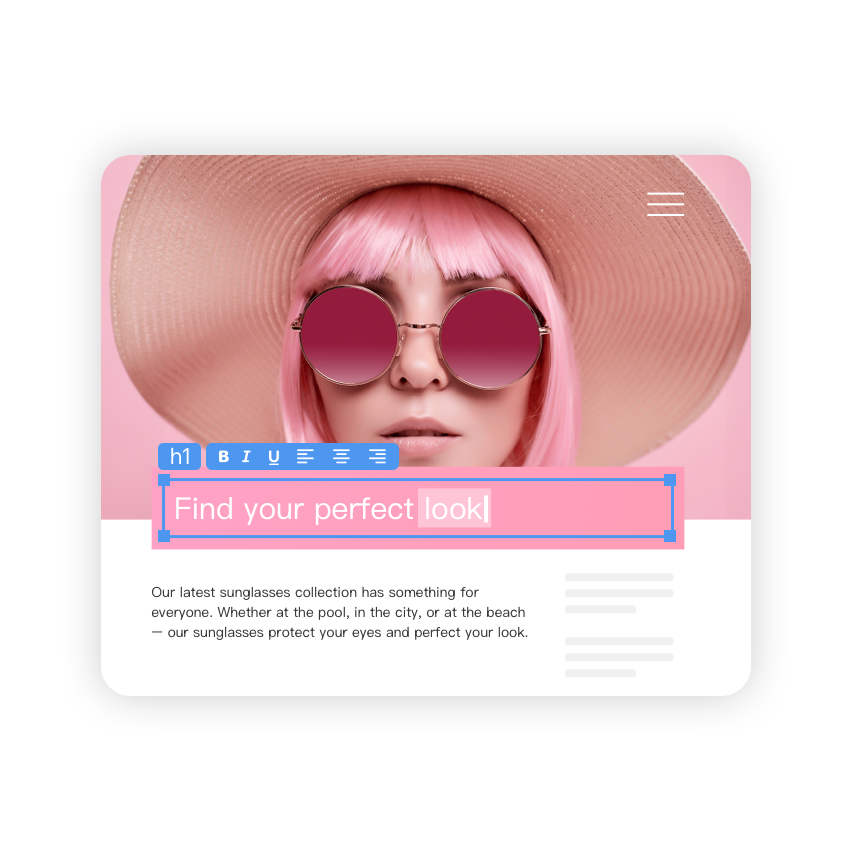
In-Preview Editing lets you edit content directly within the preview pane of CoreMedia’s headless CMS. What you see is exactly what your audience will get. It eliminates the need to switch between editing forms and preview tabs, making content creation faster, more intuitive and visually accurate.
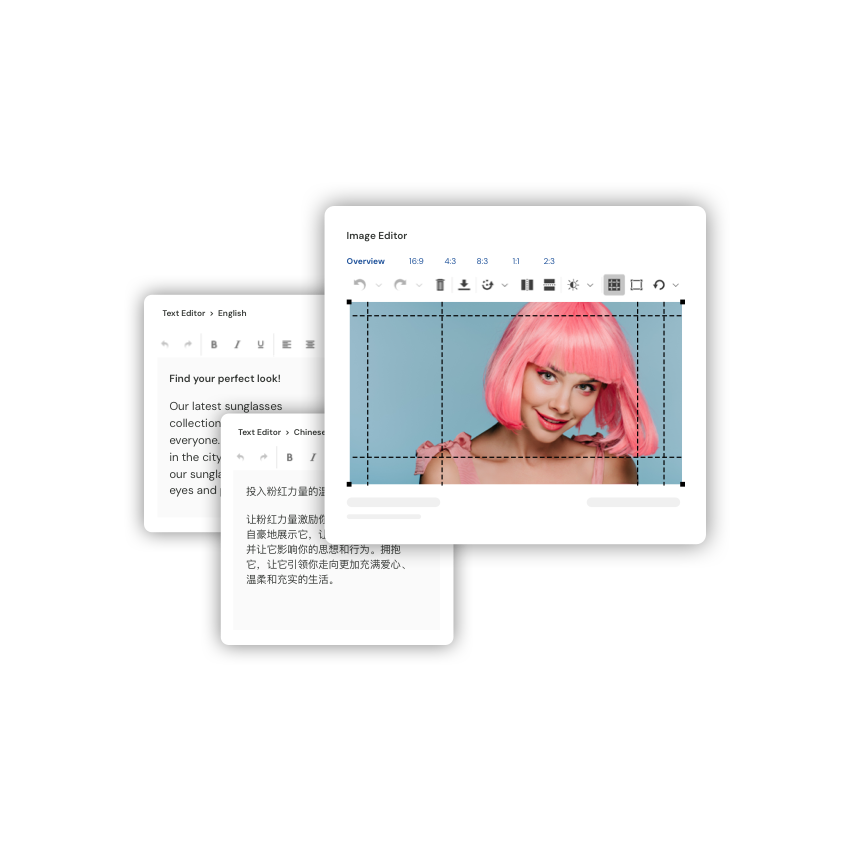
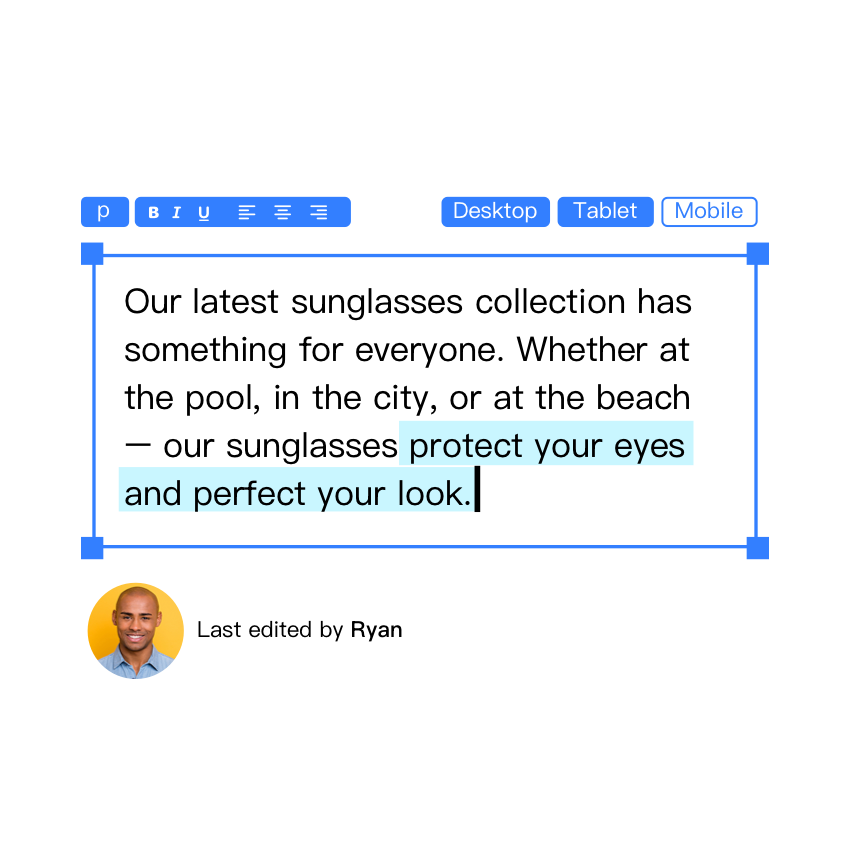
WYSIWYG (What You See Is What You Get) editing gives teams instant visual feedback. Editors can adjust text, upload images, or rearrange blocks with drag and drop, and immediately see the result. This reduces guesswork and ensures consistent experiences across channels.
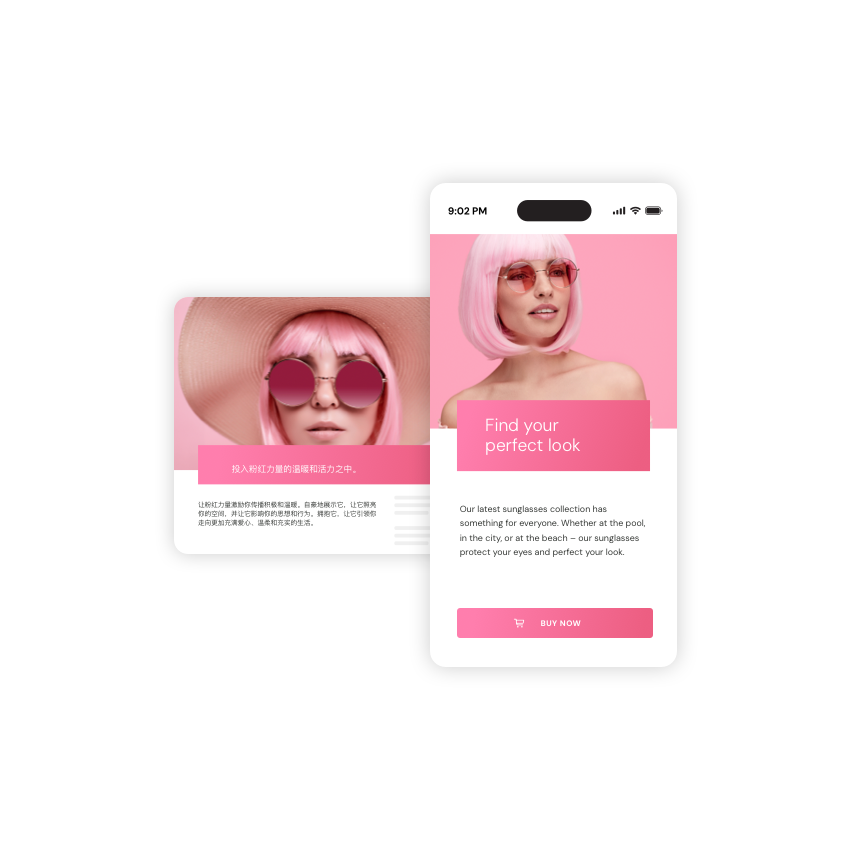
Yes. CoreMedia’s Omnichannel Experience Preview shows content as it will render across web, app, tablet, and JSON output, so you can check a change in each context before publishing, not just on the desktop web view.
No. In-Preview Editing is built for content editors, not developers. You edit text, images, and layout visually with drag and drop, with no code or markup. Developers set up the structure and templates once. After that, editors work on their own.
Yes. Editors with publishing permissions can publish straight from the preview in one step, with no interface switching. Role-based permissions and approval workflows still apply, so only authorized users publish, and any required review happens first.
CoreMedia uses precision DOM mapping to connect every editable element to its correct source in the content repository. Combined with role-based permissions, only authorized users can edit or publish specific sections, maintaining content integrity and governance within your headless CMS environment.
CoreMedia combines the flexibility of structured content management with the intuitiveness of a visual editor so you get reusable, governed content and in-context editing in one place. Unlike web-only visual editors, the preview spans web, app, tablet, and JSON, and it runs on a hybrid headless architecture with enterprise permissions and approval workflows built in.
Yes. Like all CoreMedia components, In-Preview Editing is built to extend. You can tailor editing behavior, UI overlays, and contextual actions to your team’s workflow, and connect it to your existing frontend through the extension’s frontend package.
They overlap. WYSIWYG describes seeing content exactly as it will publish; visual editing is the broader practice of editing content in a visual interface rather than in raw fields. CoreMedia’s In-Preview Editing is both: a true WYSIWYG preview you can edit in directly.
With most pure headless systems, no, editors are stuck in forms and depend on developers to see the result. CoreMedia’s hybrid headless approach adds in-context visual editing, so marketers create, preview, and publish on their own while developers keep control of structure and delivery.
Yes. It works with server-side rendered CoreMedia templates and with modern frameworks like React, Vue, and Angular, through a frontend package you add to your site.
Pure headless visual editors typically preview the web frontend only and can struggle with complex layouts. CoreMedia previews web, app, tablet, and JSON from a single repository, on a hybrid architecture, with enterprise governance built in, which suits multi-brand, multi-market teams.
What you’ll get

Content Management
Create highly engaging content for all channels, regions and languages - turbocharged by AI.
Personalization & Experimentation
Deliver personalized experiences that adapt to each user – powered by data, insights and ongoing optimization.

Marketing Automation
Automate and orchestrate campaigns across every channel – turning data into timely, relevant messages.

Customer Engagement
Turn visitors into loyal customers with conversational, human-centered experiences.